728x90
설치 하는데 영겁의 시간이 흐르는 것만 같은 OHS 11g 설치였다.
설치를 위해 ohs.rsp 파일과 oraInst.loc 파일을 준비해두자
vi ohs.rsp


[ENGINE]
Response File Version=1.0.0.0.0

[GENERIC]
DECLINE_AUTO_UPDATES=true
ORACLE_HOME=/home/webtier/ohs ## 커스텀 할 부분
INSTALL_TYPE=Standalone HTTP Server
DECLINE_SECURITY_UPDATES=true
SECURITY_UPDATES_VIA_MYORACLESUPPORT=false
MIDDLEWARE_HOME=/home/webtier ## 커스텀 할 부분
INSTALL AND CONFIGURE LATER TYPE=true
SKIP_SOFTWARE_UPDATES=true

============================================

vi oraInst.loc

inventory_loc=/home/app/oraInventory ## 커스텀 할 부분
inst_group=app ## 커스텀 할 부분
ohs 설치 파일을 압축해제하고 디렉토리중에 Disk1로 이동
cd /home/app/install/Disk1
./runInstaller -silent -responseFile /home/app/install/Disk1/ohs.rsp -invPtrLoc ~/install/oraInst.loc

권한 문제가 발생
cd /home/app/install/Disk1/install/linux64
여기서 runInstaller와 unzip에 권한을 주자
편의상 770으로 진행
./runInstaller -silent -responseFile /home/app/install/Disk1/ohs.rsp -invPtrLoc ~/install/oraInst.loc
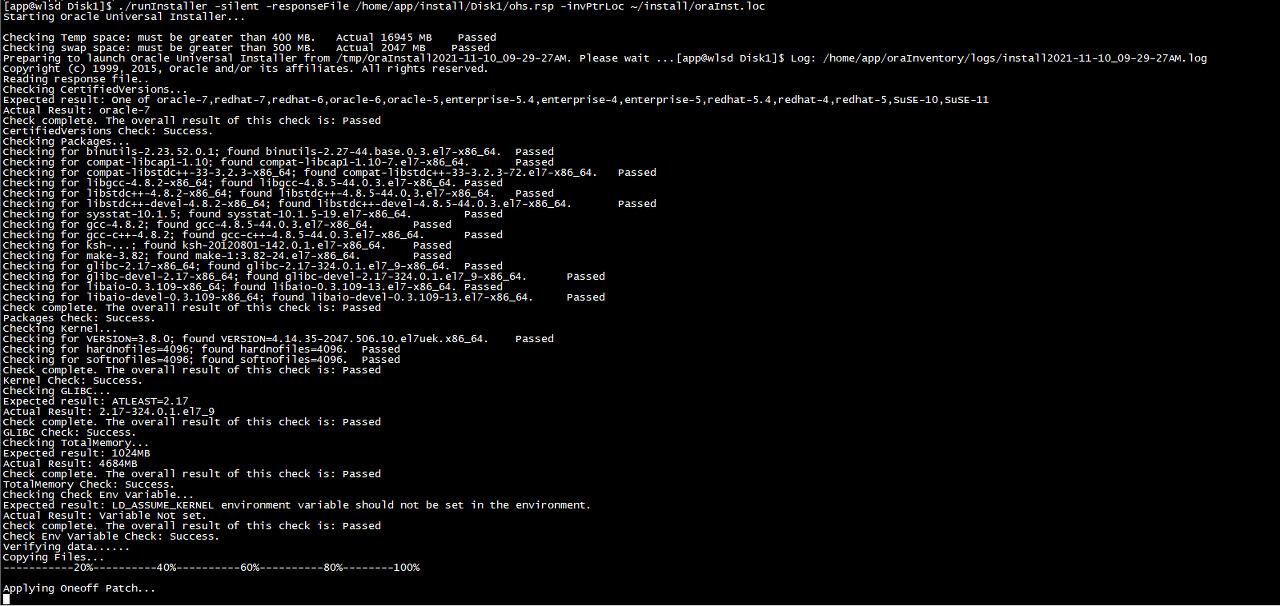

oraInventory에 설치 완료 로그 보려는데 이런 로그 있긴했음
Opatch Apply Failing With "OPatch Failed with Error Code 39 :
This Patch Requires Some Components to Be Installed in the Home.
Either the Oracle Home Doesn't Have the Components or This Patch Is Not Suitable for This Oracle Home
일단 한 번 진행해보기로 함 => 80포트, MPM 변경할 때 별 무리없이 진행이 됐다.
<인스턴스 생성>
cd /sw/ohs11/opmn/bin
./opmnctl createinstance -oracleInstance /sw/ohs11/instances/INSTANCE \
-instanceName INSTANCE -adminRegistration OFF
./opmnctl createcomponent -componentName web_1 -componentType OHSweb1로 하면 컴포넌트 생성이 계속 안되었기에 언더바 ( _ ) 를 추가해줌
cd /sw/ohs11/instances/INSTANCE/bin
./opmnctl startall
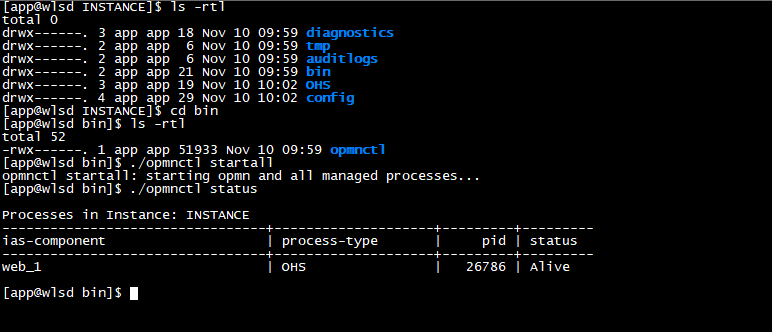
default port 7777로 호출이 된 것을 확인
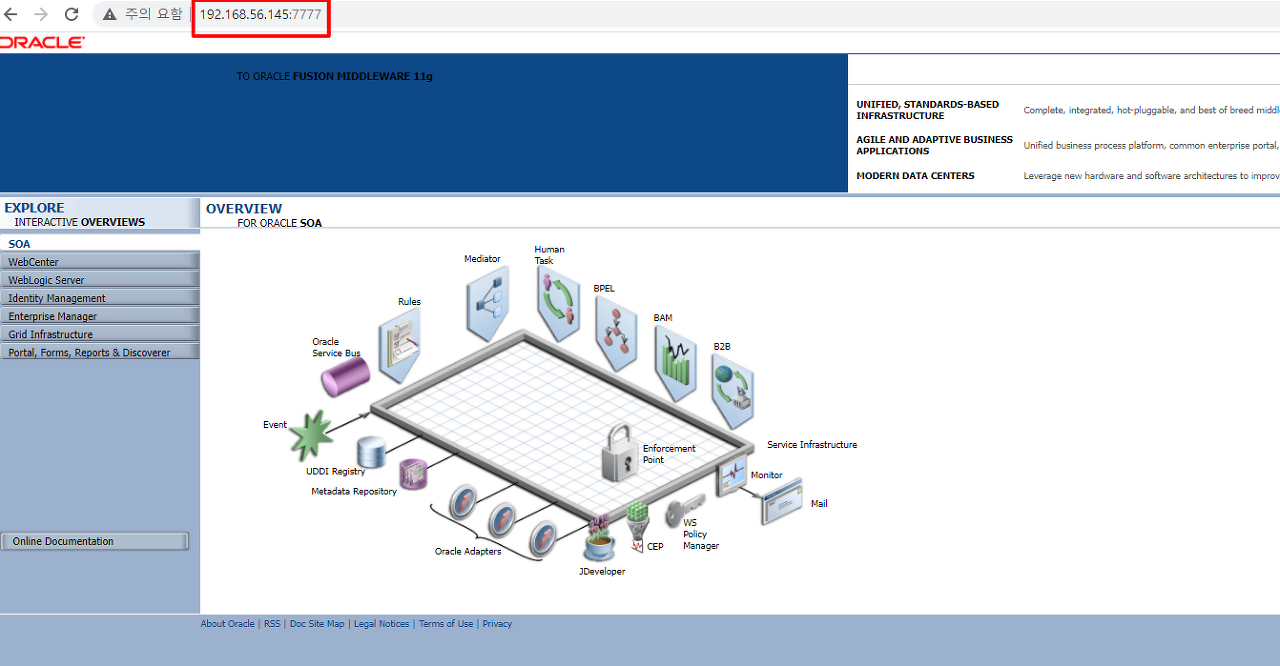
다음은 80 포트 사용하는 법을 작성할 예정
'WEB-SERVER > OHS & JBCS & Apache' 카테고리의 다른 글
| Staging & Runtime Directory (0) | 2023.07.17 |
|---|---|
| Log Rotation 하기 (0) | 2023.07.17 |
| <Location> 태그를 사용 시, Tip 몇 가지 (0) | 2023.07.14 |
| [OHS 12c R2 / Apache 2.4] Error Page 설정 (0) | 2023.07.12 |
| [OHS 11g] 80 Port 사용 법 & 컴포넌트 상태 조회 법 (0) | 2023.07.06 |


